Fix An Extended Error Has Occurred Windows 11
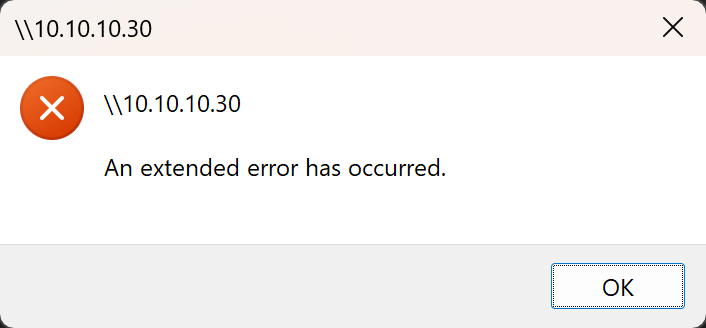
Fix: It suggested disabling the SMB signing by use of the command (in the powershell):
- Run powershell as administrator and type Set-SmbClientConfiguration -RequireSecuritySignature $false (enter, you can select y to apply)
- A reboot may need to apply new setting, but it should work for you right after above command.